Your turn
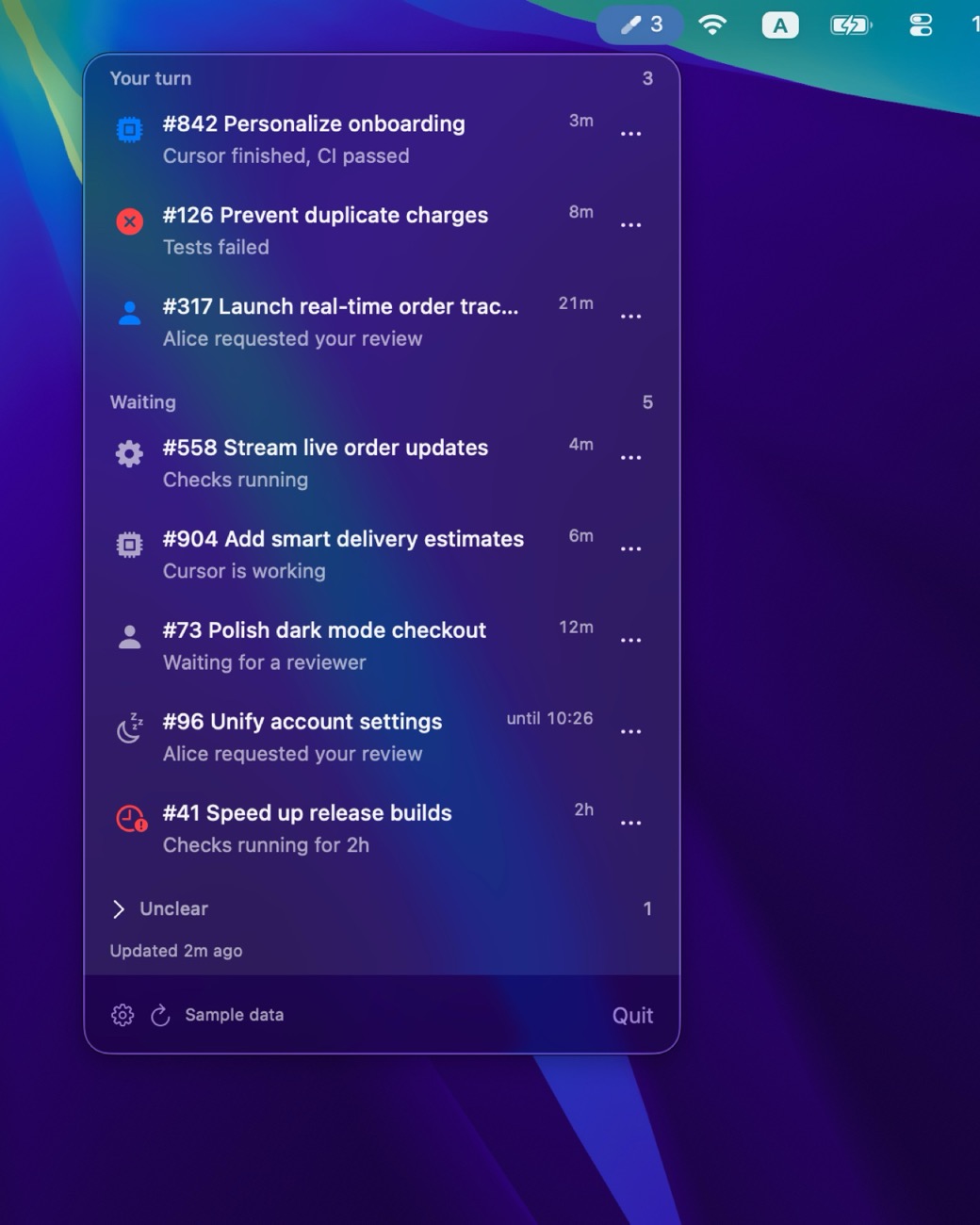
review requests, changes requested, failed checks, finished agents, and work that is ready to merge.
Know when your code needs you
Stop checking pull requests on repeat.
For macOS 14 and later
Your code sources. One place.
Features
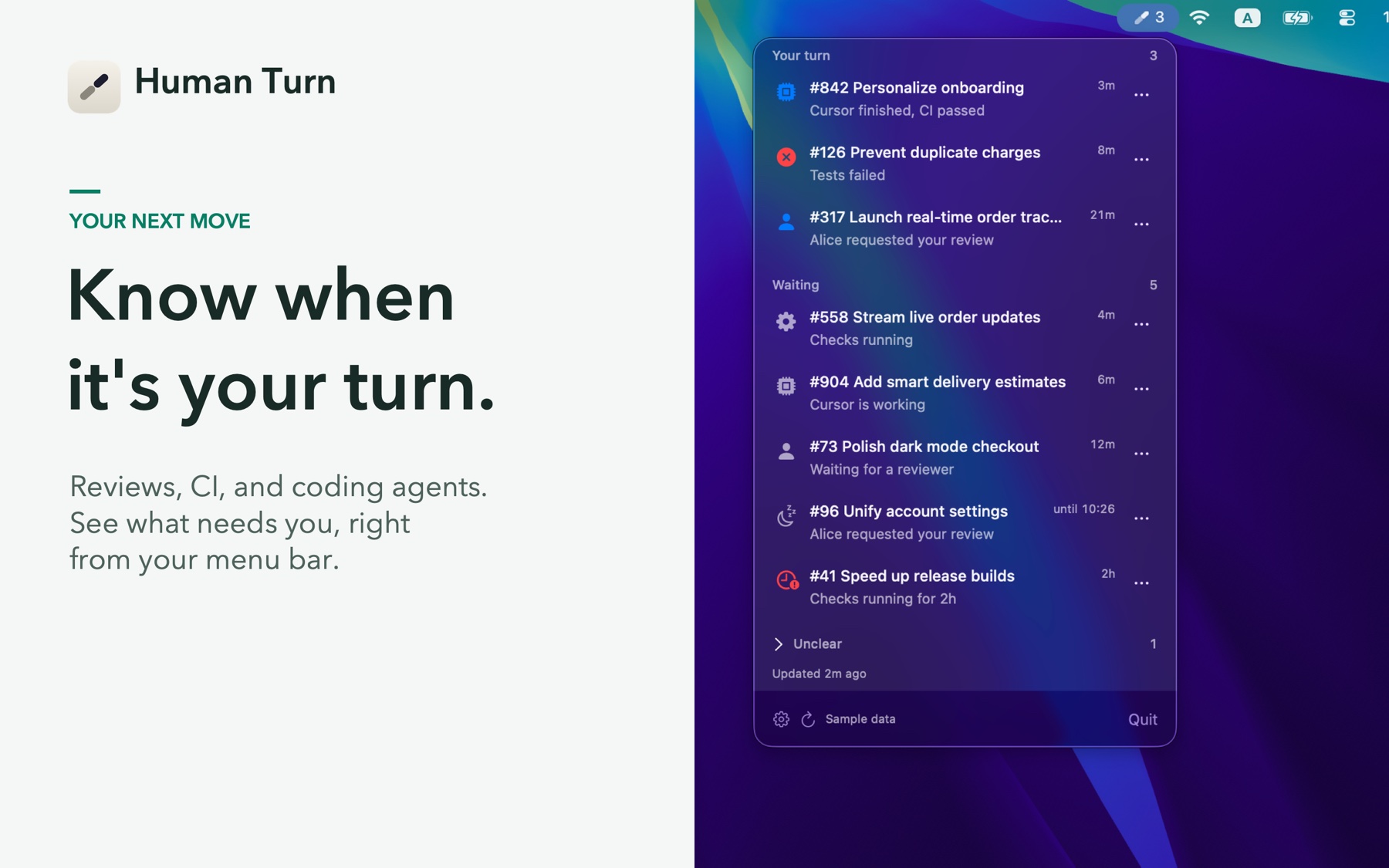
Human Turn watches reviews, CI, and coding agents from your Mac's menu bar, then shows the moment your attention is needed.
review requests, changes requested, failed checks, finished agents, and work that is ready to merge.
work that is still with an agent, CI, or reviewer.
incomplete or ambiguous signals that Human Turn will not guess about.
A closer look
 Enlarge screenshot
 CONNECT YOUR WORK
Track pull requests across GitHub, GitLab, Bitbucket Cloud, and Cursor Origin. Follow coding-agent work from Cursor Cloud Agents and GitHub Copilot alongside the pull requests it affects.
RETURN AT THE RIGHT MOMENT
Human Turn can notify you when responsibility passes back to you, an agent needs input or fails, or a pull request becomes ready to merge. Sensible cooldowns and per-repository controls keep notifications useful instead of noisy.
STAY FOCUSED
Snooze an item for an hour, until tomorrow, or until new commits arrive. Mute repositories, ignore individual items, and sort work by how long it has been waiting. Open the exact pull request, failed check, or agent run when you are ready to act.
HAND OFF REVIEWS
Copy a ready-made /review command for a pull request and paste it into the coding agent you already use. Human Turn does not launch tools, change your code, or require an agent preference.
SEE WHAT CHANGED
Human Turn remembers the revision you last opened and reports whether new commits arrived. On compatible Macs, optional change summaries use Apple Intelligence on device. No code, patches, repository names, account identities, or credentials are sent to a summary server.
Human Turn requires macOS 14 or later. Apple Intelligence change summaries require macOS 26 or later, an eligible Mac, and Apple Intelligence enabled with its model downloaded.
BUILT FOR THE MENU BAR
Human Turn is a native macOS app with no Dock clutter. It refreshes quietly in the background, supports keyboard navigation, can launch at login, and keeps the current state close at hand.
PRIVATE BY DESIGN
Human Turn runs locally on your Mac. Credentials are stored in Keychain and sent only to the services you connect, never to Human Turn servers. The app reads your development activity and does not merge pull requests or modify repositories.
Let the automated work carry on. Return when your code needs you.
Get on the Mac App StoreFor macOS 14 and later